


Saturday, September 10, 2011

Thursday, September 1, 2011
MY SOUL CONSOLERS :)
how pretty they looooooook !!!!!
first one to enter my life !!
 |
| zikki |
 |
| sarah |
MY SWEETY KUTTY
Most memorable gifts given by my friends !!
 |
| Ajay kutty |
 |
| mithun |
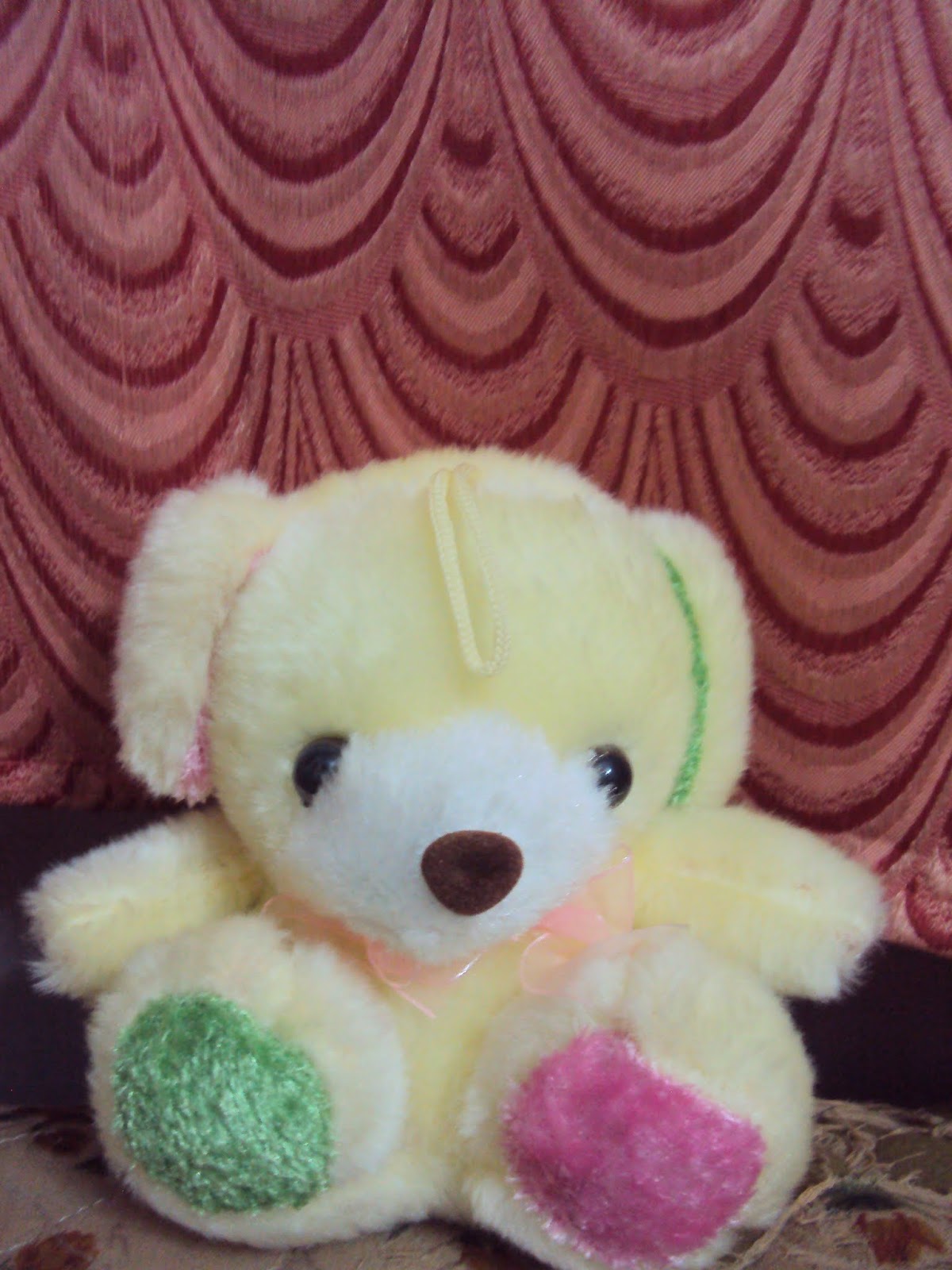 |
| Rohan |
Monday, August 29, 2011
My kutty world in my cute dairy !!
I't looks like this !!


It expresses my thoughts , my inspirations and my dreams :) :)
It may appear so simple ....but it conveys a lot ..........
may be it'l reveal the hidden nature in you

Sharing of views may be different ......... memories are alive alwayzzzzz !!!!
 |
| My tcs greeting |
I got these cards back to me after a special wish .....so it seem to be a luck card for me !!
 |
| my luck card !! |

broken nail of mine !!
| It seem to be bit silly ....but i love my nails a lot :) :) |
my most proudest possession!!
VICE CAPTAIN post

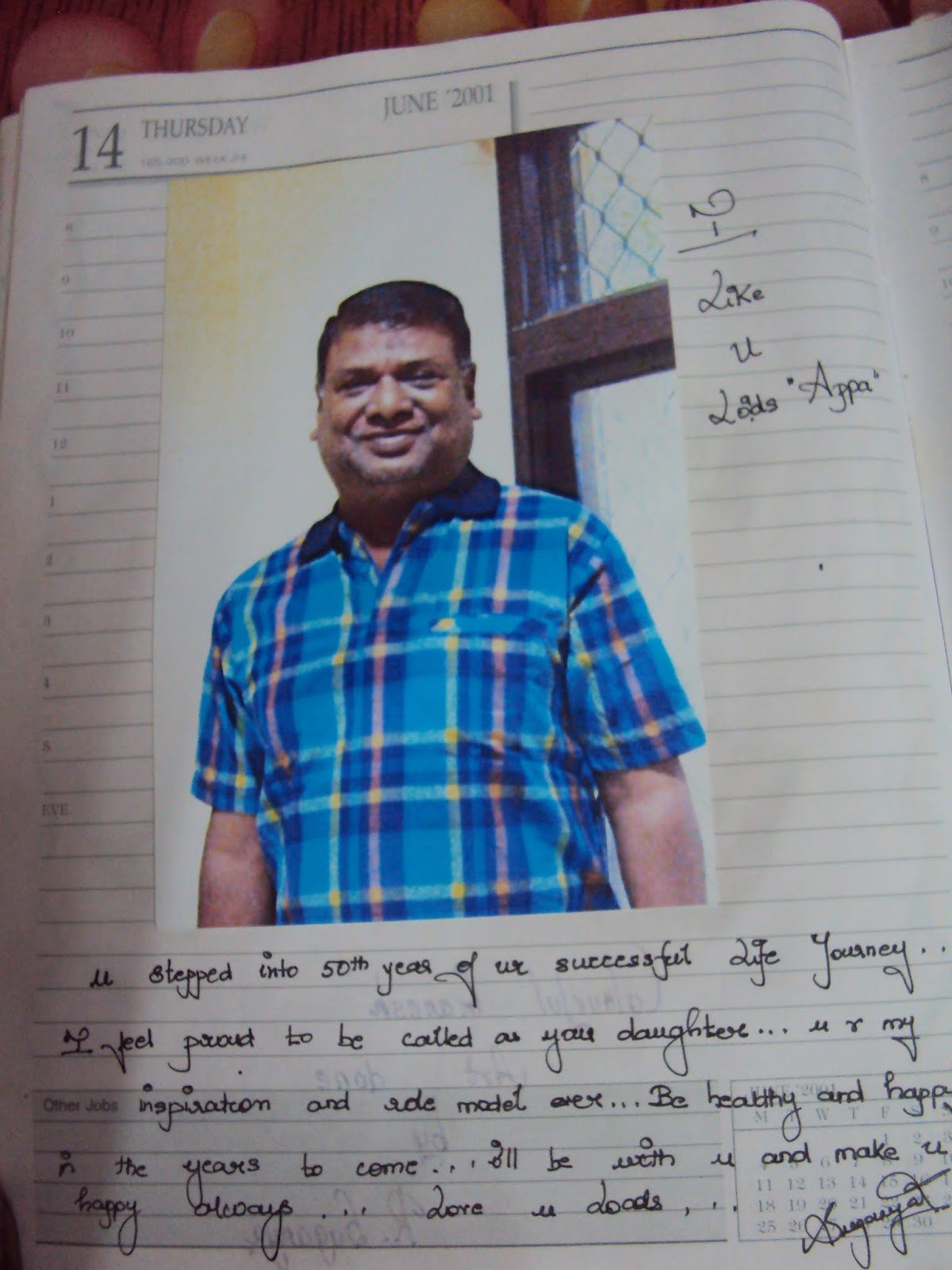
gr8 fan slot now !!!!! lucky ppl to be in my diary !!
 |
| HARRIS JEYARAJ |
 |
| SURIYA |
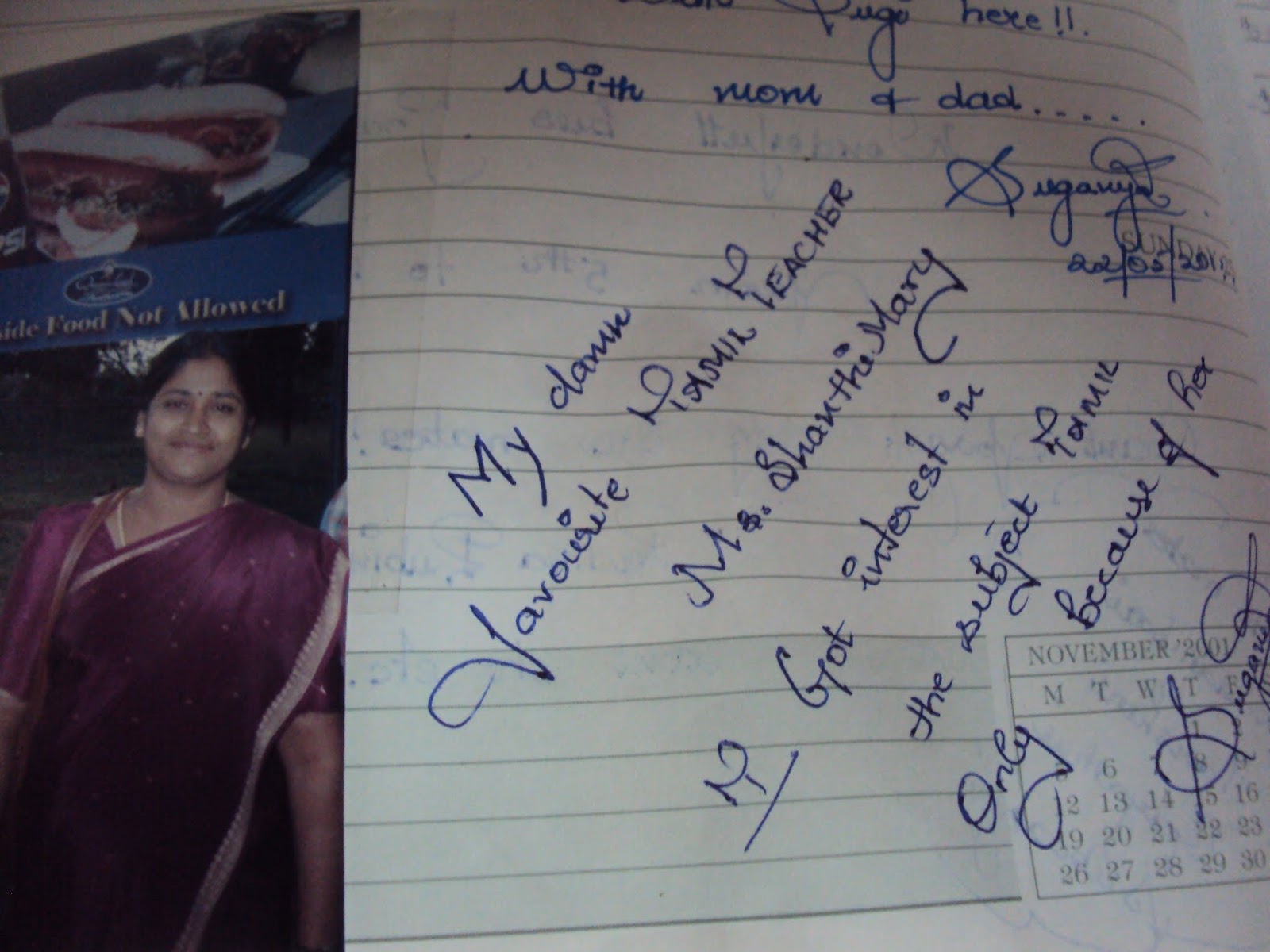 |
| MY FAV TAMIL MAM |
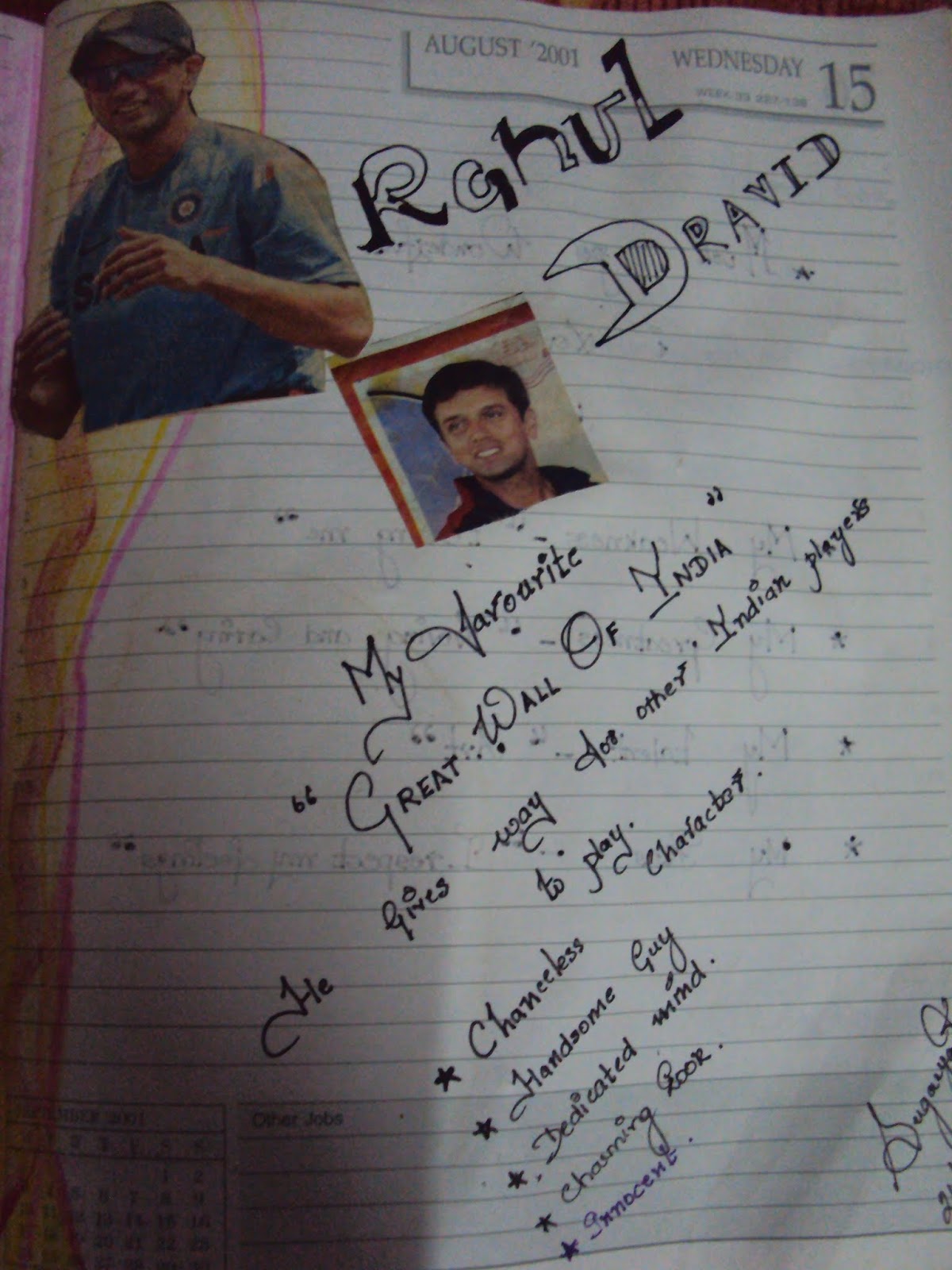 |
| RAHUL DRAVID |
 |
| PET PHYSICS SIR |
My first experience to college !!!

my favourite aunts :) :) like them loads


Silly pics also matters a lot !! so here it comes !!!
 |
| FRIENDSHIP BAND |
 |
| REAL AND REEL ONES |
 |
| FIRST THROWN CHALK |
 |
| MY FISH TANK MY FIRST WORK WITH FABRIC PAINT !!   |
unexpected event ever!!
 |
| SCHOOL BADGE |


 |
| OFFER LETTER FROM VC |
FRIENDS FRIENDS ~~~~~~~~~~~~~~~


Wednesday, August 10, 2011
TRICKS TRICKS !!!!
Trick(not mine): Lock File(s) on Windows Without Using Any Software

Open notepad.
Copy the following code in notepad file :
cls
@ECHO OFF
title Folder Locker
if EXIST "Control Panel.{21EC2020-3AEA-1069-A2DD-08002B30309D}" goto UNLOCK
if NOT EXIST Locker goto MDLOCKER
:CONFIRM
echo Are you sure u want to Lock the folder(Y/N)
set/p "cho=>"
if %cho%==Y goto LOCK
if %cho%==y goto LOCK
if %cho%==n goto END
if %cho%==N goto END
echo Invalid choice.
goto CONFIRM
:LOCK
ren Locker "Control Panel.{21EC2020-3AEA-1069-A2DD-08002B30309D}"
attrib +h +s "Control Panel.{21EC2020-3AEA-1069-A2DD-08002B30309D}"
echo Folder locked
goto End
:UNLOCK
echo Enter password to Unlock folder
set/p "pass=>"
if NOT %pass%==your password here goto FAIL
attrib -h -s "Control Panel.{21EC2020-3AEA-1069-A2DD-08002B30309D}"
ren "Control Panel.{21EC2020-3AEA-1069-A2DD-08002B30309D}" Locker
echo Folder Unlocked successfully
goto End
:FAIL
echo Invalid password
goto end
:MDLOCKER
md Locker
echo Locker created successfully
goto End
:End
Change the “YOUR PASSWORD HERE” with your password.
Save it as batch file ( with extension .bat ) For eg. Locker.bat
Now you will see a batch file. Double click it to create a folder locker ( A new folder named Locker would be formed at the same location )
Thats it you have now created your own locker and that too without using any software !
Brings all the files you want to hide in the locker folder.
Double click the batch ( As created above ) file to lock the folder namely Locker.
If you want to unlock your files, simple double click the batch file again and you would be prompted for password ( In DOS window ). Enter the password and enjoy access to the folder.


Monday, August 8, 2011
MY CREATIONS !!
 |
| GLASS PAINTING |
 |
| GLASS PAINTING |
 |
| CANVAS PAINTING |
 |
| CANVAS PAINTING |
 |
| GLASS PAINTING |
 |
| STONE WORK |
 |
| MUD WORK |
 |
| CANVAS PAINTING |
 |
| EMBOSS PAINTING |
 |
| TILE PAINTING |
 |
| SAND PAINTING |
 |
| THERMOCOL PAINTING |
 |
| MUD WORK |
 |
| MUD WORK |
 |
| JARDOSI WORK |
 |
| WALL SCRIBBLING |
 |
| NIB PAINTING |
Subscribe to:
Posts (Atom)